


01 Chrome Extension
Save pages
directly from Chrome.
Use the Chrome extension to save a website, product page, or any link you want to revisit later in one click.


Keep Mates is a Chrome extension for saving websites, articles, visuals, products, and inspiring references in one click. Use your web account for folders, billing, and account access.
Collect everything in one space, sort it into folders, and grow your personal digital archive in a clean way.
01 / Library
You can save visuals, posts, and web design references. Everything you like starts here in one library.
How It Works
01 Chrome Extension
Use the Chrome extension to save a website, product page, or any link you want to revisit later in one click.
02 Social Posts
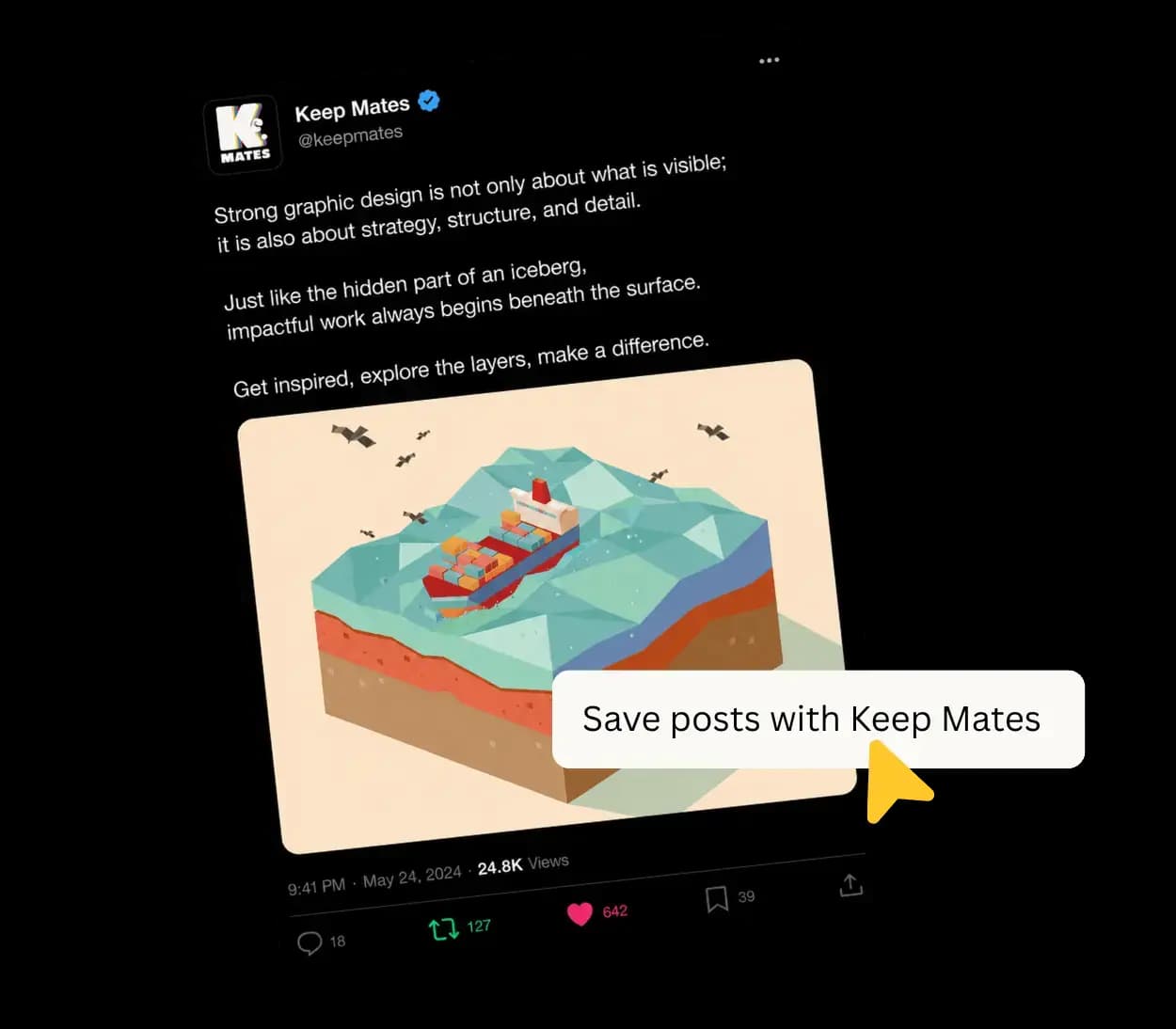
Store the social posts you find together with their links in one clean archive from the extension.
03 Design Inspiration
Collect the images you discover across websites and social platforms into organized collections.

04 Design Details
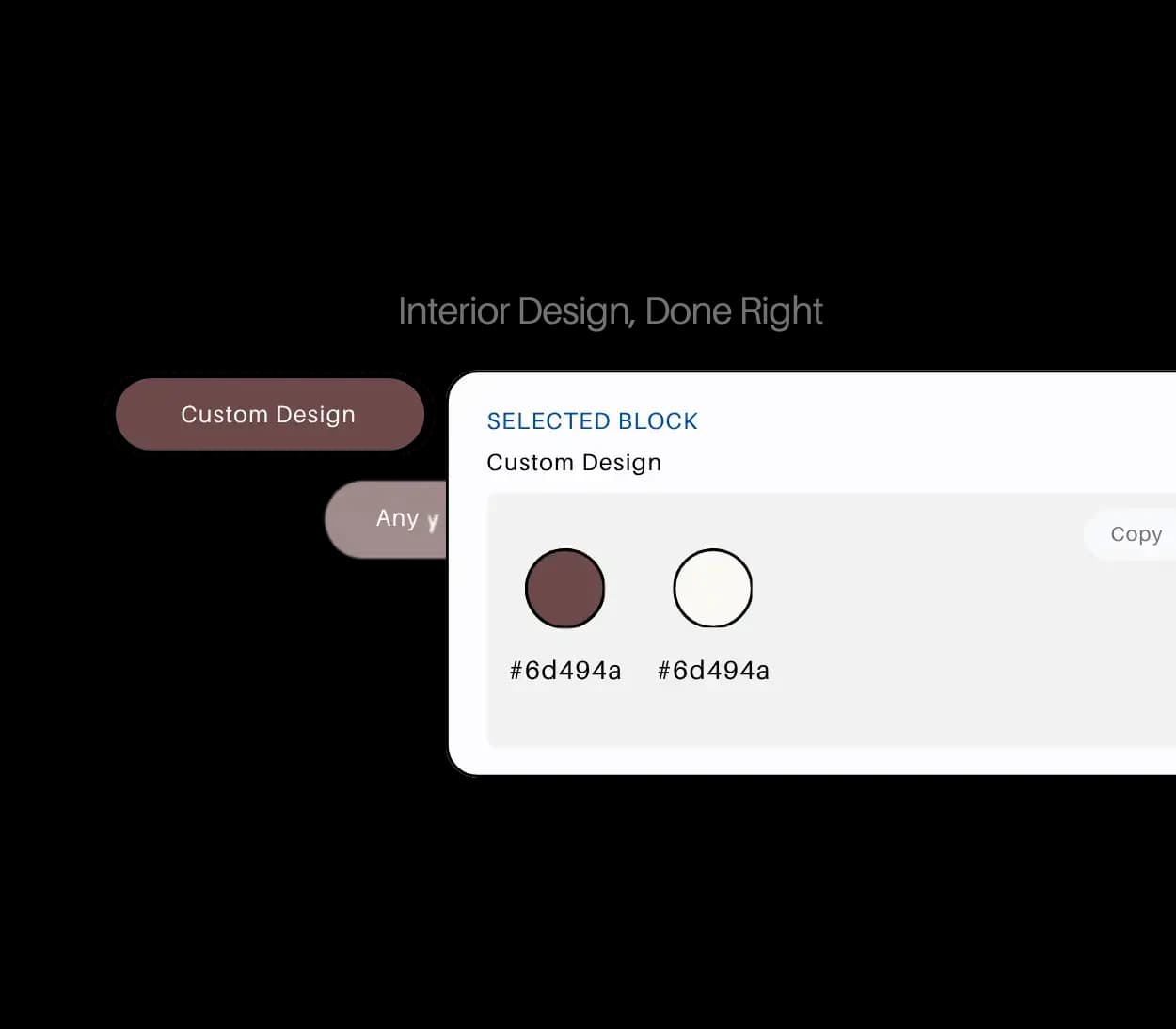
Keep the color palettes, type choices, and visual details you like neatly stored for later.
Beyond Saving
Save From Chrome
Add the websites and pages you want to revisit later directly from the extension in one click.
Save Articles and Posts
Keep the content you want to read, research, or share later from the same Chrome extension.
Save Colors and Fonts
Store the palettes, typefaces, and visual details you want to reuse later.
Plans
Start with the free Chrome extension plan, then move to a larger membership when your archive grows. Sign in to start Pro checkout directly from the web.
Starter
A lightweight plan for using the Chrome extension to save your first references and build your board slowly.
Pro
Pro removes the free capture cap and is built for people who use the Chrome extension every day across bigger libraries.
Paste your license key into the extension after checkout.
Paid memberships are non-refundable. Sign in and start Pro checkout directly from the web.
Pro supports up to 2 devices, but saved data is not synchronized between devices. Your data stays on the computer where it was saved and cannot be exported from that computer.
We collected the most common questions about Keep Mates in one place.
Keep Mates is a local-first Chrome extension that helps you save websites, images, links, articles, products, colors, fonts, and other inspiring content into organized folders.
Keep Mates is a good fit for Chrome users who regularly save content from the web, especially designers, creators, developers, students, researchers, and founders.
Yes. The website, account flow, and Pro checkout are live. You install Keep Mates from the Chrome Web Store and save from the extension.
Install the Chrome extension from the Chrome Web Store, then create an account from the site if you want web account access or Pro checkout.
Yes. Starter is free and includes 35 total saves and 5 folders.
Pro removes the 35-save Starter cap and works on up to 2 devices.
No. Keep Mates stores your saved references locally in your browser. Your web account handles sign-in, billing, and license status, not your saved library.
No. Alongside design references, you can organize recipes, books, products, travel ideas, learning resources, social posts, and any other content you want to keep.
Traditional bookmarks mostly store links. Keep Mates helps you collect different content types in a more visual, structured, and easier-to-browse way.
Yes. Starter includes 5 folders, and Pro supports larger libraries across up to 2 devices.
Blog
We publish comparison and alternatives content for people deciding how to save articles, bookmarks, design references, and visual inspiration without ending up in another dead archive.
A deep, designer-focused comparison of the best visual bookmark managers in 2026 — Keep Mates, Eagle, Raindrop.io, Milanote, MyMind, and more.
Compare the best Diigo alternatives in 2026, from Keep Mates and Raindrop.io to Linkwarden and Readwise Reader, with a practical guide to privacy, visual organization, and research workflows.
Raindrop or Pocket? In 2026, we compare Raindrop with Pocket's former read-it-later workflow, including the pros and cons and a better way to manage your digital archive.

A website, a product, an article, or a small visual detail...
Keep Mates helps you keep the content you care about organized and within reach.
This site handles account creation and Pro checkout; the Chrome extension is where you save and access your library.